
Renewing your Iphigénie subscription depends on how you originally subscribed. Here are the different possibilities:
The end of the IGN Rando service brought automatic subscription renewals to an end.
→ To continue using Iphigénie, you need to manually renew your subscription:
If you subscribed on an iPhone or Android device, your subscription renews automatically each year.
📍 You can check or manage your subscription:
Subscriptions purchased on the official Iphigénie website are also automatically renewed, with no action required on your part. You’ll receive a confirmation email before each renewal.
As these services are no longer supported by our team, it is not possible to renew your Iphigénie J or X subscription.
Yes, you can cancel your Iphigénie subscription at any time, directly through the platform you used to purchase it (website, App Store or Google Play Store).
📧 If you’re unsure how to cancel, our customer support team is here to help
The price of the Iphigénie subscription is gradually increasing from €14.99 to €19.99 at your next renewal. This price update applies to existing subscribers and is part of an effort to harmonize our pricing.
This rate remains advantageous: it is still lower than the standard price of €24.99, which has applied to new subscribers for the past two years. This gradual increase will bring the subscription up to the standard rate the following year, when prices are reviewed again.
This price increase directly supports the development of Iphigénie, including improvements to the user experience, the addition of new topographic maps, and ongoing enhancements to the app.
👉 Good to know:
Managing your Iphigénie subscription depends on the platform you originally used to purchase it. Here’s what to do in each case:
Following the end of the synchronization between IGN Rando and Iphigénie, you now need to manage your subscription directly through the new platform you used to renew it (Iphigénie website, App Store or Google Play Store).
Purchasing the Outdoor Pack gives you access to several complementary services while keeping your full Iphigénie experience:
Purchasing the pack does not affect your current use of the Iphigénie app in any way:
📌 In short: the Outdoor Pack is an advantageous add-on, with no risk of losing or changing your Iphigénie experience.
To get the most out of your Outdoor Pack (Iphigénie + Whympr Premium + Web App for PC), there are a few simple steps to follow:
First, you need to link your Iphigénie and Whympr accounts from your smartphone.
👉 You need to have an active account on both apps.
📘 Follow the step-by-step guide here:
How do I link my Iphigénie account to Whympr?
Once your accounts are linked, you can use the Iphigénie Web App to plan your outings online.
🎯 In short: to activate your Outdoor Pack, simply:
Changing your phone or tablet does not mean losing your subscription or your data, as long as you follow a few simple steps:
If you change devices, simply log in with your Iphigénie credentials (email address and password).
Your subscription will be detected automatically.
👉 If you have trouble accessing your maps, you can restore your purchase manually by following this guide:
🔗 I have a subscription but can no longer access my maps
To recover your GPS tracks, you must have enabled Iphigénie Cloud on your old device.
Your tracks will sync automatically. On your new device, they will appear in the list tabs after a few seconds. You can then:
⚠️ Important: if Cloud was not enabled on your old device, unfortunately, it is unlikely that you will be able to recover your tracks. Automatic synchronization is not retroactive.
Our online help center or customer support team is available to help you make the transition between devices.
To log in to Iphigénie, you need a user account with a username and password. Please note that having an active subscription does not necessarily mean that you have an account on the platform, as this feature was introduced recently.
If you don’t have an account yet, here’s how to create one:
👉 Follow the guide to create an Iphigénie account
If you’ve forgotten your password, don’t worry! You can easily reset it:
If you’re unsure whether you have an account or you’re not receiving the password reset email, feel free to contact our support team for assistance.
Our support team is available to answer your questions and help resolve any login issues. You can contact us directly through our platform:
👉 Access our support here and click on the chat icon in the bottom-left corner.
If you’ve lost access to your Iphigénie subscription or can no longer see your maps, there are several possible causes. Here are the steps to resolve the issue:
🛑 A common issue: you may have switched to a different Apple or Google account without signing back in with the account originally used to make the purchase.
👉 To check:
📌 If your Iphigénie subscription doesn’t appear:
A synchronization issue between your account and the app can sometimes prevent access to your subscription.
👉 Follow this guide for your platform (iOS, Android or Web) to restore your purchase:
🔗 I have a subscription but can no longer access my maps
If you still can’t access your subscription after following these steps, our technical support team is here to help.
💬 Click the chat bubble in the bottom-left corner of the screen on iphigen.ie to start a conversation with our virtual assistant “Iphi”, or get help from a support advisor within 24–48 hours.
Iphigénie offers a web-based tool called the Web App, which you can access from a computer browser. It allows you to plan routes, view your maps and sync your data with the mobile app. Please note that the Web App is separate from the Iphigénie mobile app, which is designed for mobile use only.
✅ Once logged in, you’ll have access to the Web App interface, where you can view your data, create routes, and more.
The older Iphigénie J and X versions have been discontinued.
The current Iphigénie mobile app is the only supported version.
To get full access to the Web App, you need an Outdoor Pack subscription, which includes:
📘 Learn more about the Outdoor Pack:
The Iphigénie Web App makes it easy to create routes from a computer. Here are the steps to plot and save your route:
📽️ Need a visual guide?
Check out our video tutorial dedicated to creating tracks on the Web App:
For any questions about using Iphigénie, several resources are available to help you get the most out of the app:
Browse our comprehensive knowledge base:
You’ll find:
Learn how to get the most out of Iphigénie with our official YouTube channel:
🔗 Iphigénie Carto YouTube Channel
🎥 Clear, easy-to-follow videos covering:
Stay up to date with articles written by outdoor professionals:
You’ll find:
Our technical support team is available Monday to Friday, from 9 a.m. to 5 p.m.
⏱️ Average response time: 24–48 business hours
💬 A virtual assistant, called “Iphi”, is also available to:
👉 To contact support:
Go to https://www.iphigen.ie and click the chat bubble in the bottom-left corner of the screen.
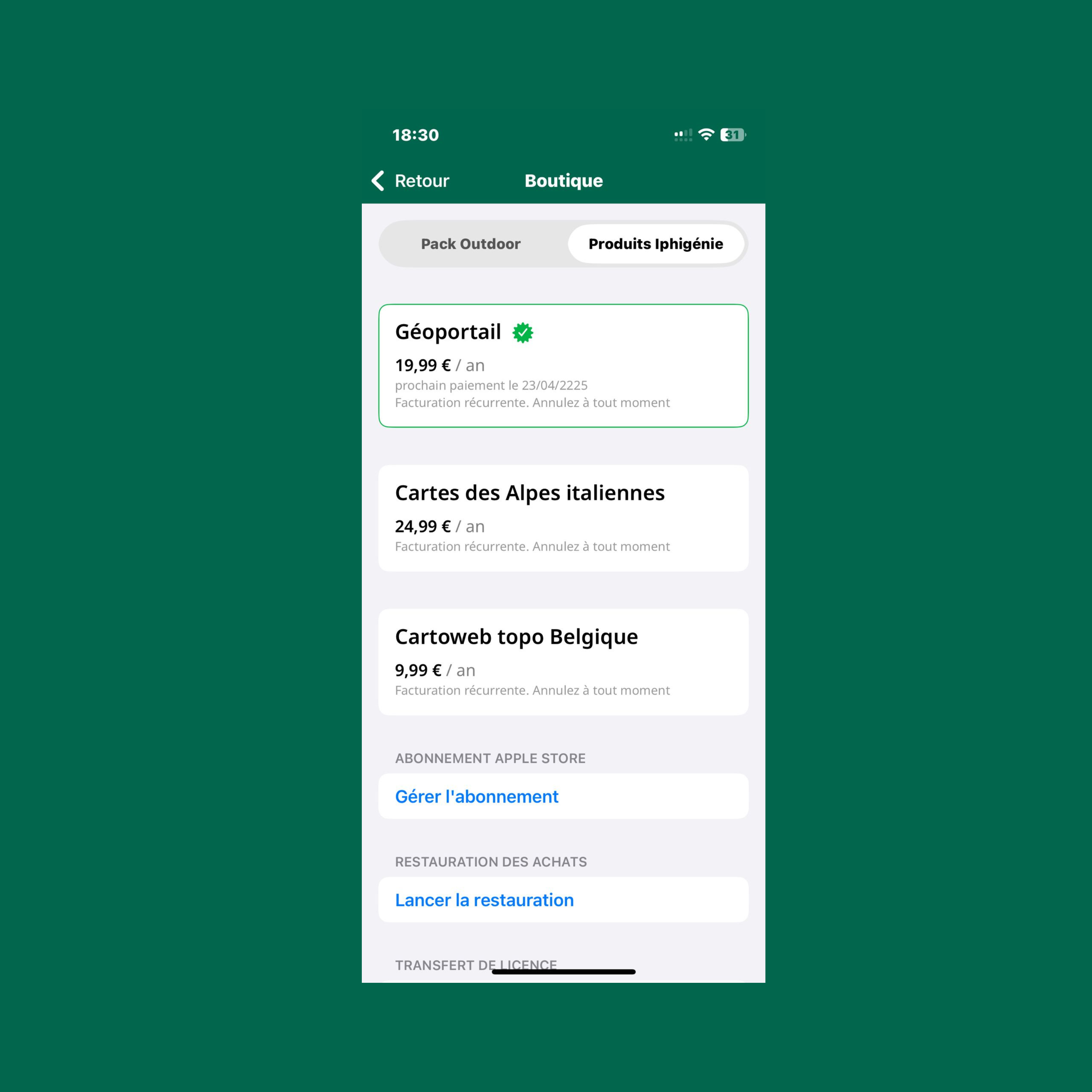
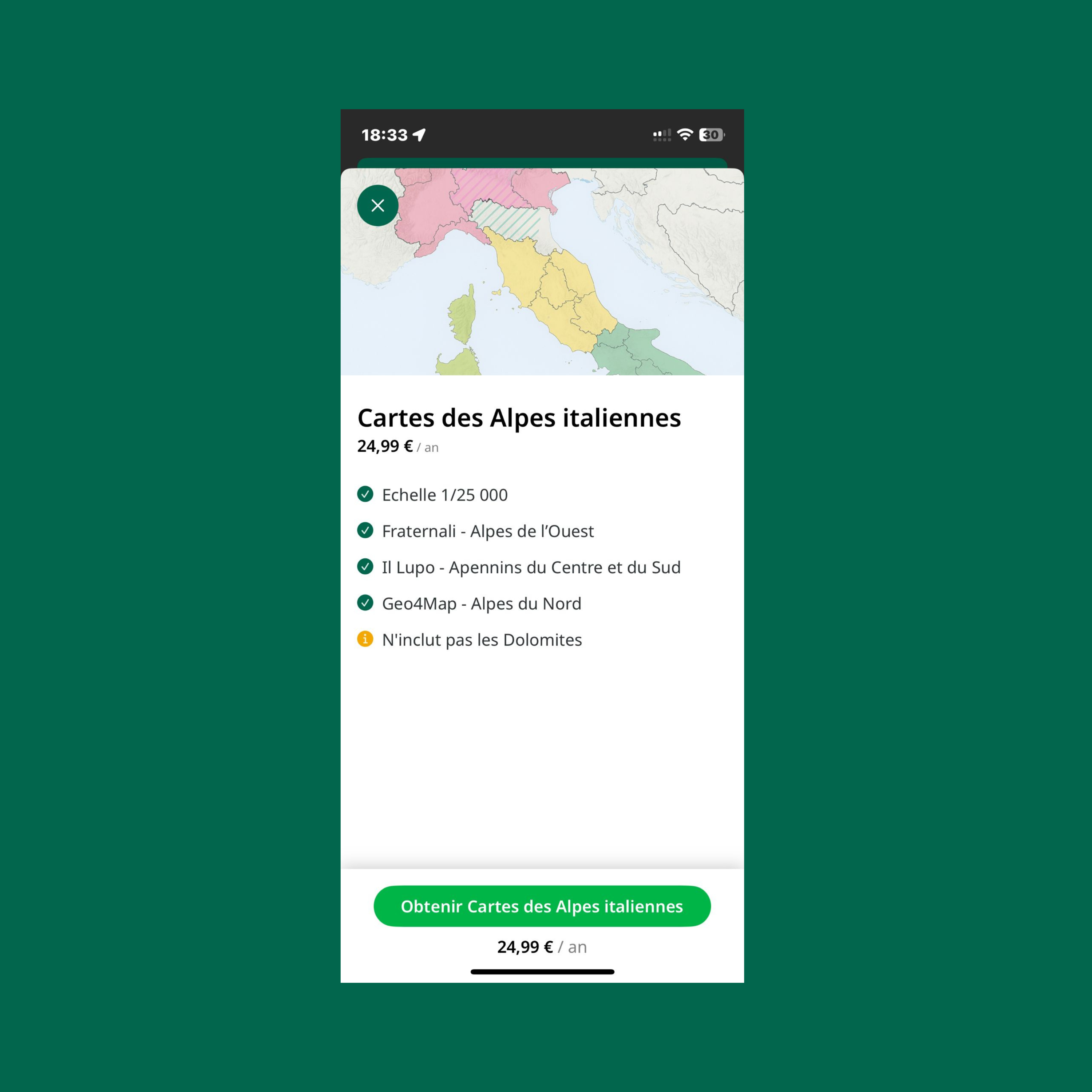
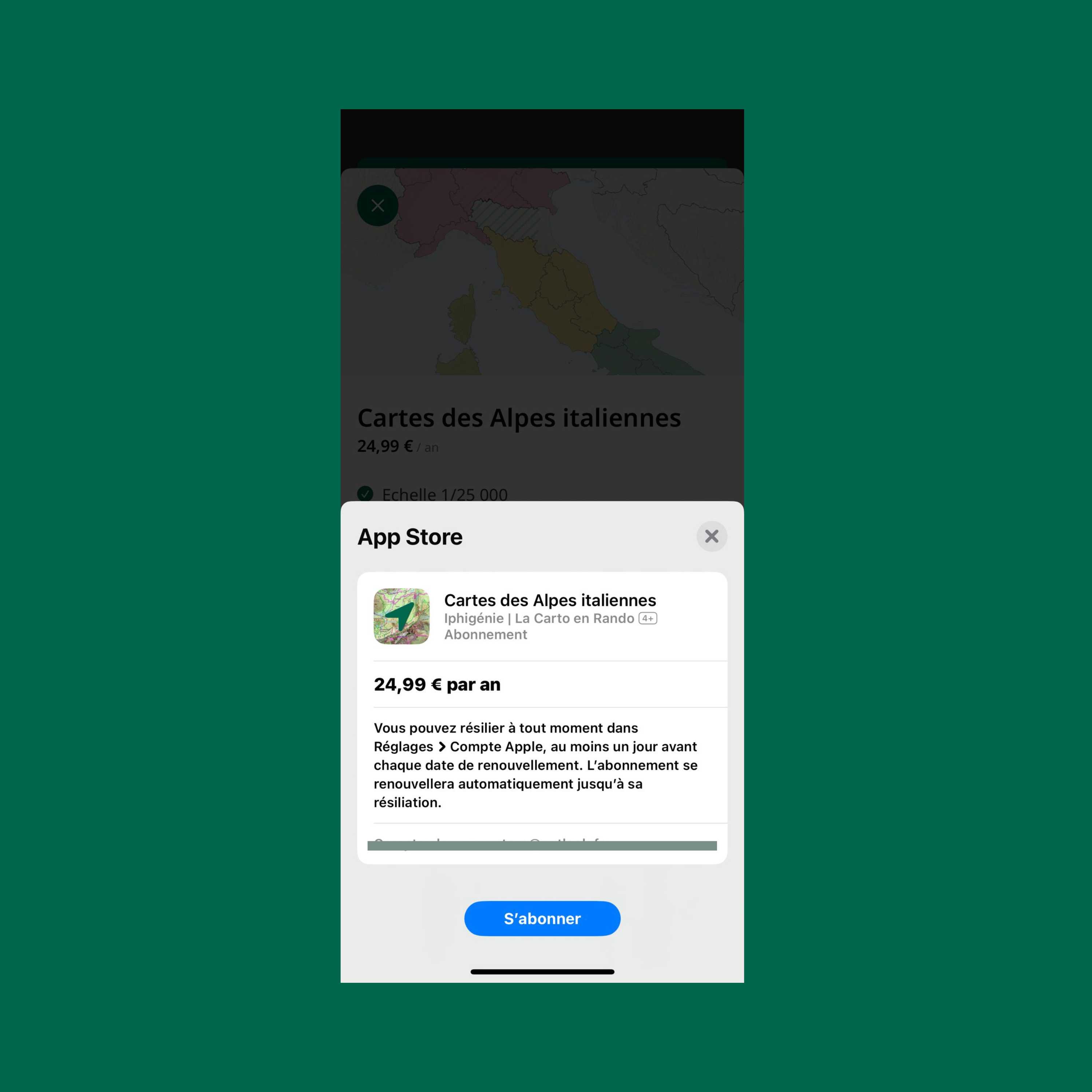
Your Italian map subscription is already active? All that’s left is to display the maps in the app:
Enjoy your hikes in Italy with detailed topographic maps!
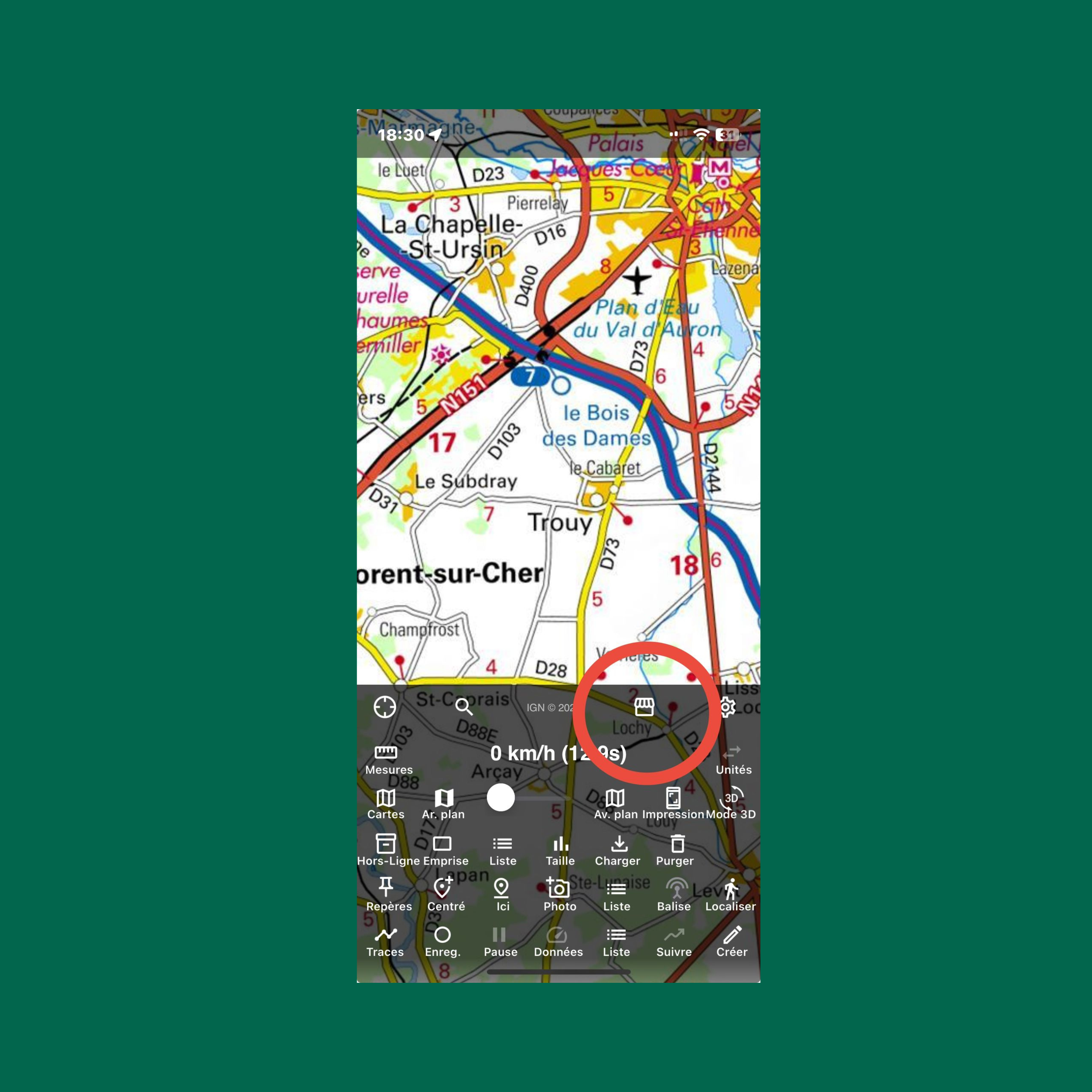
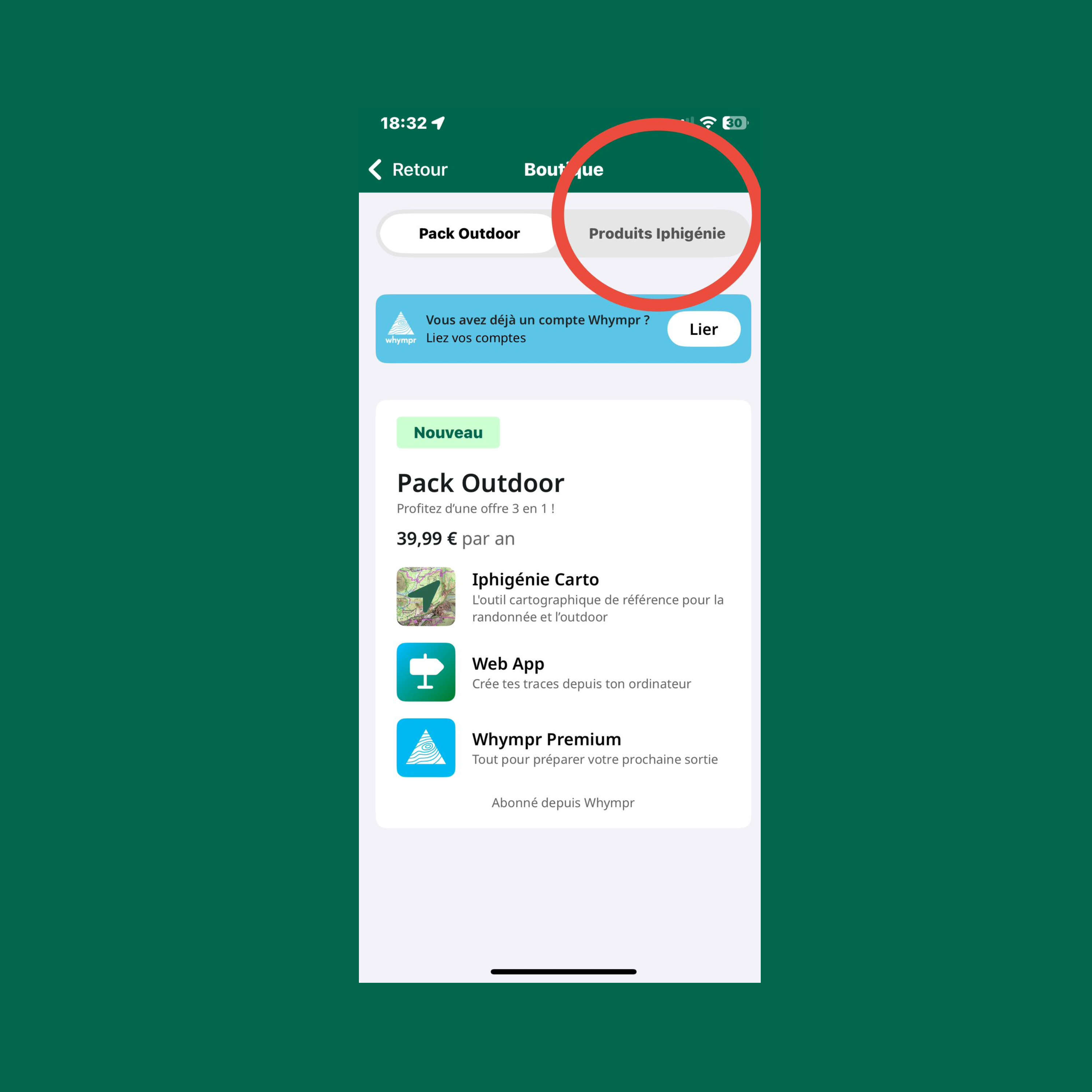
It's very simple, you only have to go to the shop icon on the app.
Watch it:
Iphigénie, IGN maps, even offline.

Design & Tech by


